Why doesn't an available unit go out to operate?
A unit can be in perfect condition, with its documents up to date and no open work order, and still go days without going out. On the maintenance dashboard it shows as available; in the operation, it contributes nothing. That gap between being available and operating is idleness, and understanding it starts with a simple question: why didn’t that unit go out?
- November 26, 2026
- Actualizado: November 26, 2026
- Leandro Mataloni
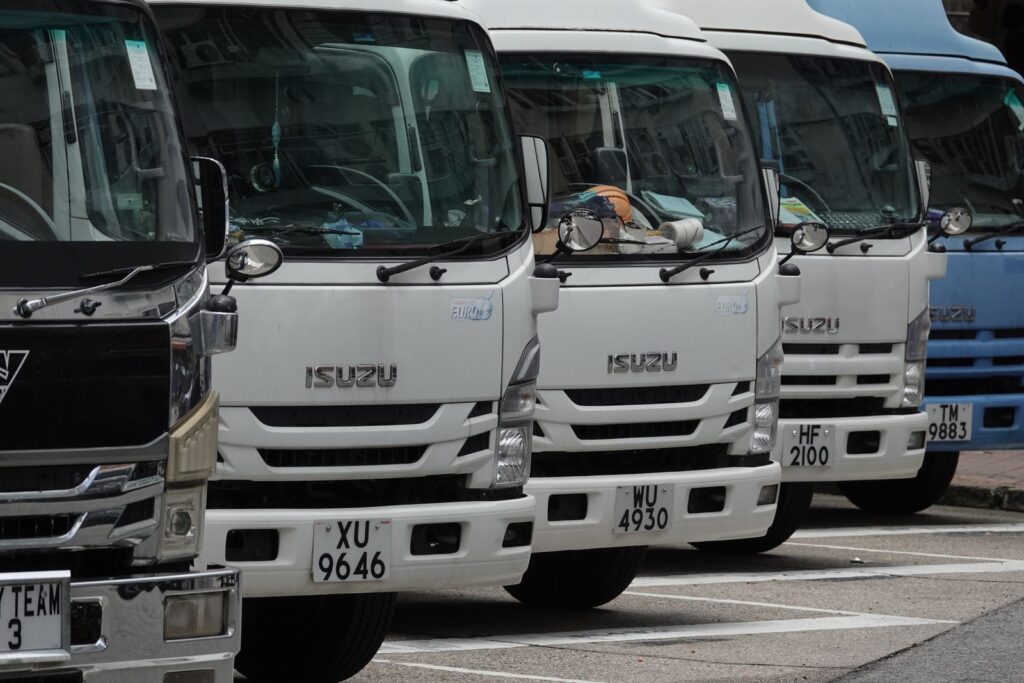
In a fleet, idle means no recorded activity: the unit has no routes, trips, deliveries or visits logged in the period. It is a reading that comes from activity, not from telematics. There is almost never a single reason, but there is a handful of reasons that repeat in every operation. Knowing them, and above all recording them when they happen, is what lets you go from "we have too many units" to "we know what is happening with each one".
Why the reason matters, not just the data point
Knowing that a unit had five days with no recorded activity is a data point. Knowing that three were due to no driver, one to a non-working day and one to waiting for a shop slot is information: each reason has a different owner and a different solution.
Without the reason, the conversation comes down to opinions. Operations says there was no load, maintenance says the unit was ready, human resources says staff was short. With the reason recorded, the discussion becomes about which of those causes repeats and how much it weighs.
The five most common reasons
No driver
The unit is ready but there is nobody to drive it: an unfilled position, a license that was not renewed, a driver who changed shift or unit. It is one of the most frequent reasons and one of the easiest to overlook, because from the vehicle side no problem is visible. If it repeats at the same base or on the same shift, the issue is staffing or workforce planning, not the fleet.
Driver absence
Vacations, sick leave, training or one-off absences. It looks like the previous one, but the cause is different: there is no general staff shortage, there is a lack of coverage for a specific day. If the same vehicle stays parked every time its assigned driver is out, you may need to define a backup scheme.
Waiting for a shop slot or a work order
There is a stretch that usually falls in between: the unit has already stopped operating because it is known to need service, but it has not yet entered the shop or had a work order opened. It is waiting for a slot or waiting for someone to create the order. As long as there is no open work order, that time is idleness and should be seen as such. Once the order is opened, the unit is in maintenance and is measured in that stage, with the shop times.
This reason is the bridge between idleness and maintenance: if it shows up often, the problem is not demand but slot management and how quickly the order gets opened.
No route
The unit, the driver and the documents are in order, but nobody assigned it a route, a trip or a visit. It may be due to a drop in demand, a poor distribution of work across units or planning that concentrates the work on the same few units. It is the reason closest to the underlying question: whether the operation needs all the units it has.
Non-working day
Holidays, weekends in operations that do not run every day, plant shutdowns. It is not a problem, but if it is not recorded as a reason it ends up inflating idleness and muddying the reading. Separating it lets the indicator reflect what can actually be improved.
The list of reasons adapts to each operation
The five above appear in almost any fleet, but they are not the only ones and they are not called the same everywhere. A delivery operation may need "no orders", a field service operation may add "customer rescheduled", a construction operation may have "work site suspended". In the VEC Fleet Utilization module, the list of reasons is configurable per operation: you start from the most common ones and adjust to each fleet’s reality.
Two criteria help build a good list. Keep it short, because a list of twenty options gets filled in poorly and late. And make each reason point to a clear owner, because a reason nobody can act on only serves as an excuse.
Why recording the reason on the spot changes the outcome
Reconstructing the reason weeks later almost never works. Nobody remembers why a unit did not go out on a Tuesday three weeks ago, and the reason ends up being "other" or the first one on the list. When the supervisor records it at the end of the day, while it is still fresh, the data is reliable and takes a single click.
There is another, less obvious effect: what is left without a reason is also information. A unit with several days of no recorded activity and no justification points to a follow-up gap. Someone should have asked what was going on with it, and nobody did.
What the module does and does not do
The Utilization module makes fleet availability and idleness visible: which units were available, which had recorded activity and which did not, with the reason for each case. The information is updated every day and can be read by base, by unit type or by period.
It does not increase availability or reduce idleness on its own: that depends on the decisions made with the information. Nor is it a GPS system: activity is taken from the routes and records the operation already has, and the integration is built from each customer's data source, by file or by API. See the full picture on the Utilization module page.
How to start reading the reasons
If you do not record the reason for idleness today, the first step is modest: choose five reasons, define who logs them and review the results once a month. With a couple of months of data the pattern appears. If staff-related reasons dominate, the conversation is with human resources and planning. If waiting for shop slots dominates, it is with maintenance and the shops. If "no route" dominates, it is with the sales or operations area.
The key is not to treat idleness as a single number. It is a sum of different causes, and each one is solved in a different part of the company.
→ Discover the Utilization module
Frequently asked questions
What are the most common reasons an available unit does not operate?
The ones that repeat most are: there is no driver, the driver is absent, the unit is waiting for a shop slot or a work order, it has no assigned route, or it is a non-working day. Each operation can add its own, such as a lack of orders or a suspended work site.
What does it mean for a unit to be idle?
That it has no recorded activity in the period, measured from routes, trips, deliveries or visits, not from telematics. An idle unit can be in perfect condition: idleness speaks to how the fleet is used, not to its mechanical condition.
Does a unit at the shop count as idle?
No. When the unit has an open work order it is in maintenance, and that time is measured in the shop stages. The earlier stretch does count as idleness, while it waits for a slot or for the work order to be opened.
Can the list of idleness reasons be customized?
Yes. In the Utilization module, the list of reasons is configurable per operation. It is best to start with a few reasons, give each one a clear owner and adjust the list after a few months of use.
Does the Utilization module need GPS?
No. Idleness is calculated from the routes and activity the operation already records, not from telematics. The integration is built with each customer's data source, by file or by API.